

Close Menu
  • Home
  • News
  • Leaks
  • Reviews
    • Phone Reviews
    • Tablet Reviews
    • Accessory Review
  • Android
  • Apple
  • Windows
  • Wallpapers
  • Contact
    • Tip Us
    • Press release or product review
What's Hot

iPhone 18 Pro Camera Bump Could Get Bigger

June 18, 2026

Can We Go Back to Real Smartphone Upgrades?

June 18, 2026

Google’s Next-Gen Smart Speaker Lands on June 25 for $99

June 17, 2026
Facebook X (Twitter)
FWNEDFWNED
  • Home
  • News
  • Leaks
  • Reviews
    • Phone Reviews
    • Tablet Reviews
    • Accessory Review
  • Android
  • Apple
  • Windows
  • Wallpapers
  • Contact
    • Tip Us
    • Press release or product review
FWNEDFWNED
Home » Easily enable Google Assistant on Android Marshmallow with Xposed
Tips

Easily enable Google Assistant on Android Marshmallow with Xposed

Matt KinneBy Matt KinneOctober 16, 2016No Comments2 Mins Read
Facebook Twitter Pinterest LinkedIn Tumblr Email
Google Assistant Feature
Share
Facebook Twitter LinkedIn Pinterest Email

With the the debut of Google’s newest phones, the Pixel and Pixel XL, came the all-new Google Assistant. We have received a small preview of what Google Assistant is capable of with Google’s new messaging app Allo, but it is a “preview addition”. If you are chomping at the bit to get Assistant on your phone, but can’t wait for your new Pixel device or don’t want to upgrade devices, we have you covered.

A little while ago, known HTC leaker LlabTooFeR posted the full Pixel and Pixel XL system dump on his own site. From the system dump, it was only a matter of time before Google Assistant would be available on other devices. At first, it was only available to Nexus devices running Android 7.0. Not long after that, it was enabled on all Android Marshmallow devices via an Xposed module.
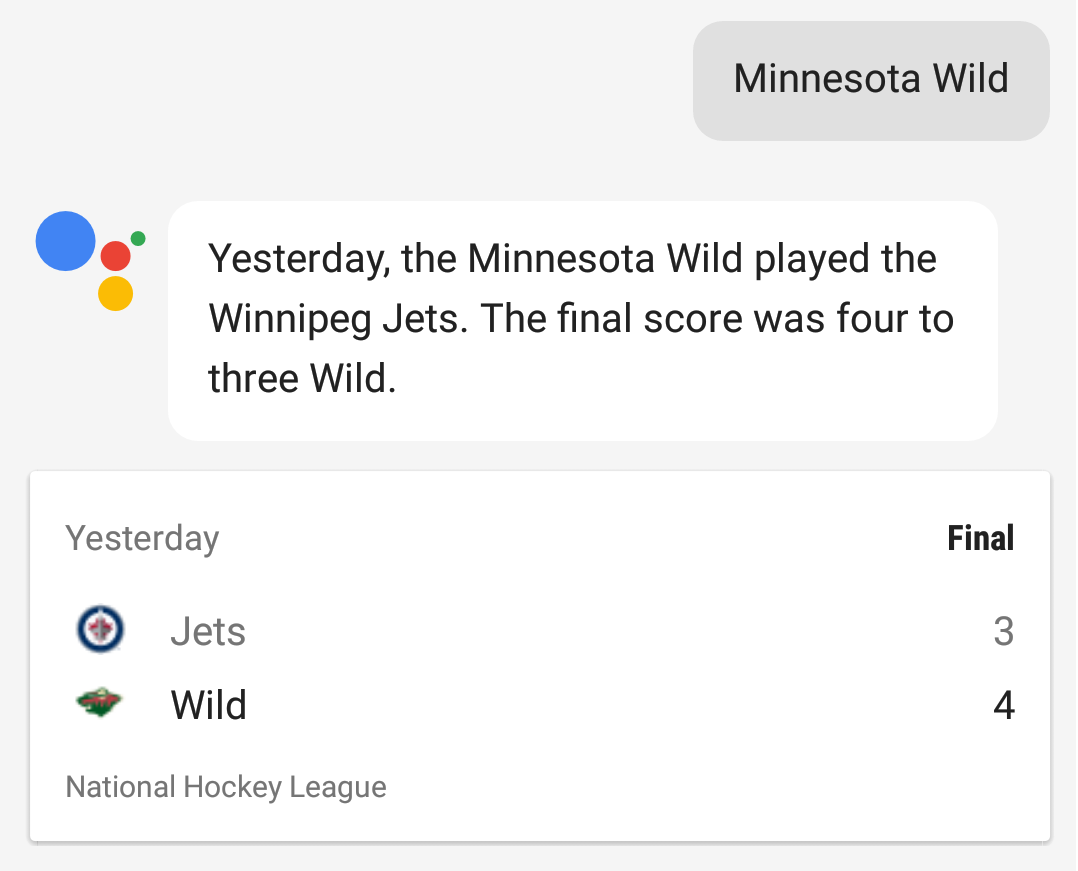
Google Assistant Score

If you have Xposed Framework installed on your Android Marshmallow device, it is as simple as downloading and activating Assistant Enabler. You need to also be running a Google App verison 6.6.14.21 and higher for this to work. Once you have it installed and enabled, there is nothing else to do. Long pressing the home button brings up Google Assistant. The only downfall is that the “OK Google” voice detection is currently not working.

It seems to be working fine without any major bugs with my hour or so of usage. Let us know if you have Assistant enabled and how you like it so far.

Source

Android Marshmallow Google Google Assistant
Share. Facebook Twitter Pinterest LinkedIn Tumblr Email
Matt Kinne

I golf, autocross, and spend way too much time messing with new phones and gadgets. FWNED is where I share smartphone news, leaks, reviews, and whatever else catches my attention in the tech world.

Related Posts

Google’s Next-Gen Smart Speaker Lands on June 25 for $99

June 17, 2026

Google Needs to Revert This Android 17 Always-On Display Change

June 15, 2026

The Galaxy Watch Ultra convinced me Google needs a Pixel Watch Ultra

June 11, 2026

Google’s Next Big Hardware Play: Eight New “Googlebooks” Reportedly Dropping This Fall

June 3, 2026
Editors Picks

Can We Go Back to Real Smartphone Upgrades?

June 18, 2026

18Birdies Pro Swing Analysis Review: Is a $15 Virtual Lesson Worth It?

June 9, 2026

FWNED Is Back!

June 8, 2026

Why I’m Paying for 18Birdies Premium Even Though It Leaves Android Users Behind

June 1, 2026
Related Posts

Google’s Next-Gen Smart Speaker Lands on June 25 for $99

By Matt Kinne

Google Needs to Revert This Android 17 Always-On Display Change

By Matt Kinne

The Galaxy Watch Ultra convinced me Google needs a Pixel Watch Ultra

By Matt Kinne
Advertisement
FWNED
Facebook X (Twitter)
  • Write For Us
  • About Us
  • Contact
  • Sitemap
  • Privacy Policy
© 2026 FWNED

Type above and press Enter to search. Press Esc to cancel.