

Close Menu
  • Home
  • News
  • Leaks
  • Reviews
    • Phone Reviews
    • Tablet Reviews
    • Accessory Review
  • Android
  • Apple
  • Windows
  • Wallpapers
  • Contact
    • Tip Us
    • Press release or product review
What's Hot

Motorola Edge 70 Max picks up Qi certification ahead of launch

June 29, 2026

Pixel Watch 5 FCC Filing Hints at Project Soli’s Return

June 29, 2026

Qi Certification Reveals Samsung’s Galaxy Z Fold8, Fold8 Ultra, and Flip8 Magnetic Cases

June 25, 2026
Facebook X (Twitter)
FWNEDFWNED
  • Home
  • News
  • Leaks
  • Reviews
    • Phone Reviews
    • Tablet Reviews
    • Accessory Review
  • Android
  • Apple
  • Windows
  • Wallpapers
  • Contact
    • Tip Us
    • Press release or product review
FWNEDFWNED
Home ยป Get the official Pixel 2 Launcher on any device [APK Download]
Android

Get the official Pixel 2 Launcher on any device [APK Download]

Matt KinneBy Matt KinneOctober 13, 2017No Comments2 Mins Read
Facebook Twitter Pinterest LinkedIn Tumblr Email
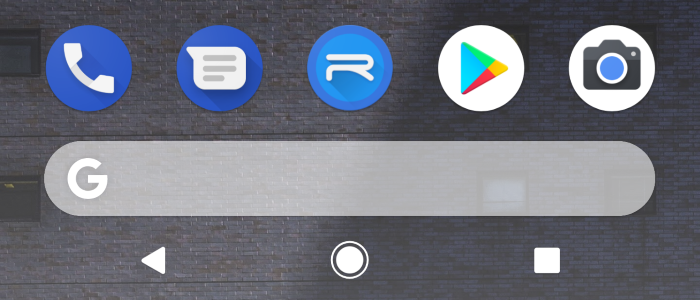
Pixel Launcher Feature Image
Share
Facebook Twitter LinkedIn Pinterest Email

When Google debuted the new Pixel 2 and Pixel 2 XL, it came with the all new Pixel 2 Launcher. Last week we learned that the new launcher would officially hit Pixel and Pixel XL devices once Android 8.1 is released. Fortunately, you don’t have to have wait any longer or have a Pixel device. The all-new Pixel 2 Launcher is now available for download via APK Mirror.
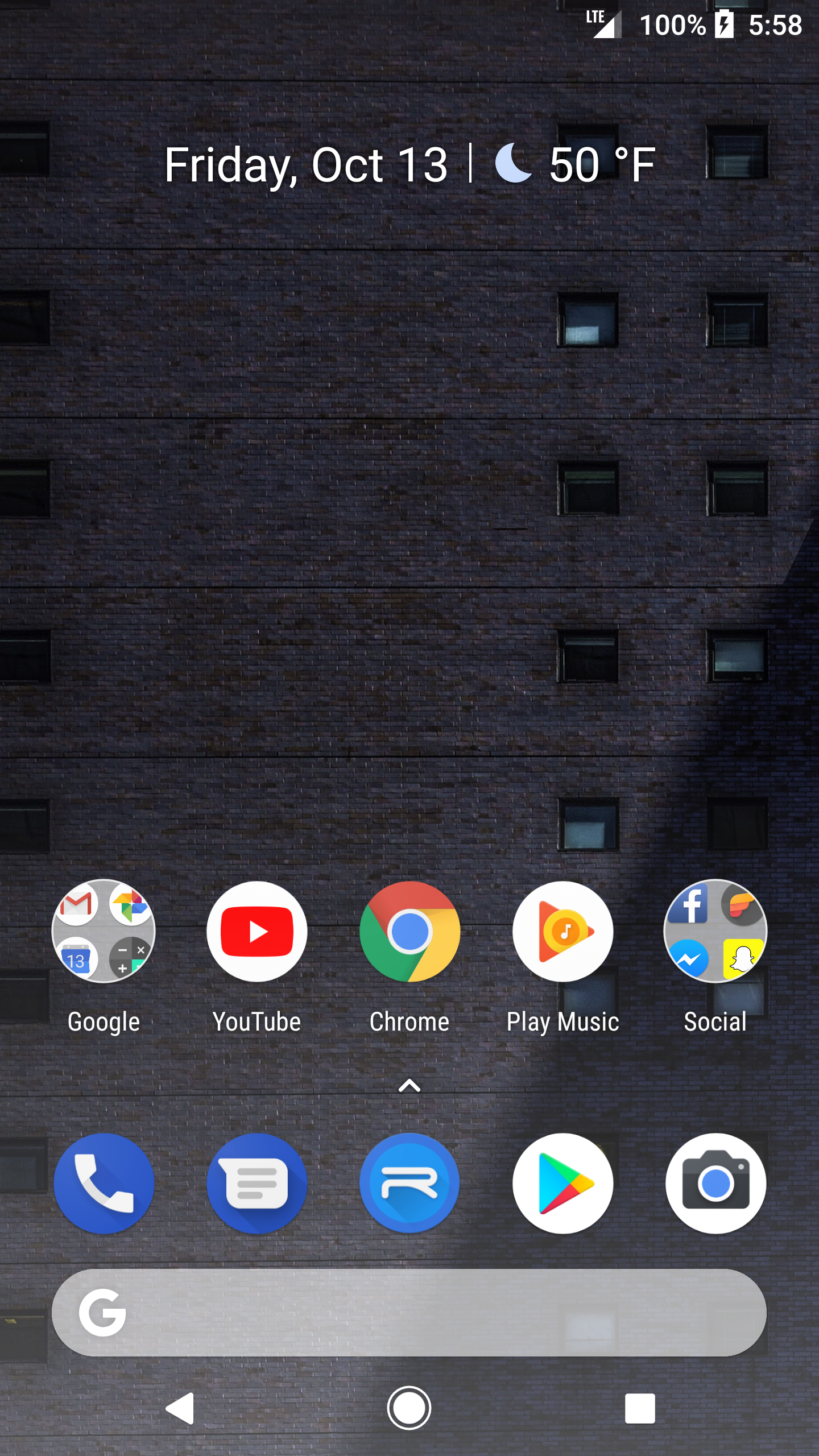
Google Pixel 2 Launcher homescreen
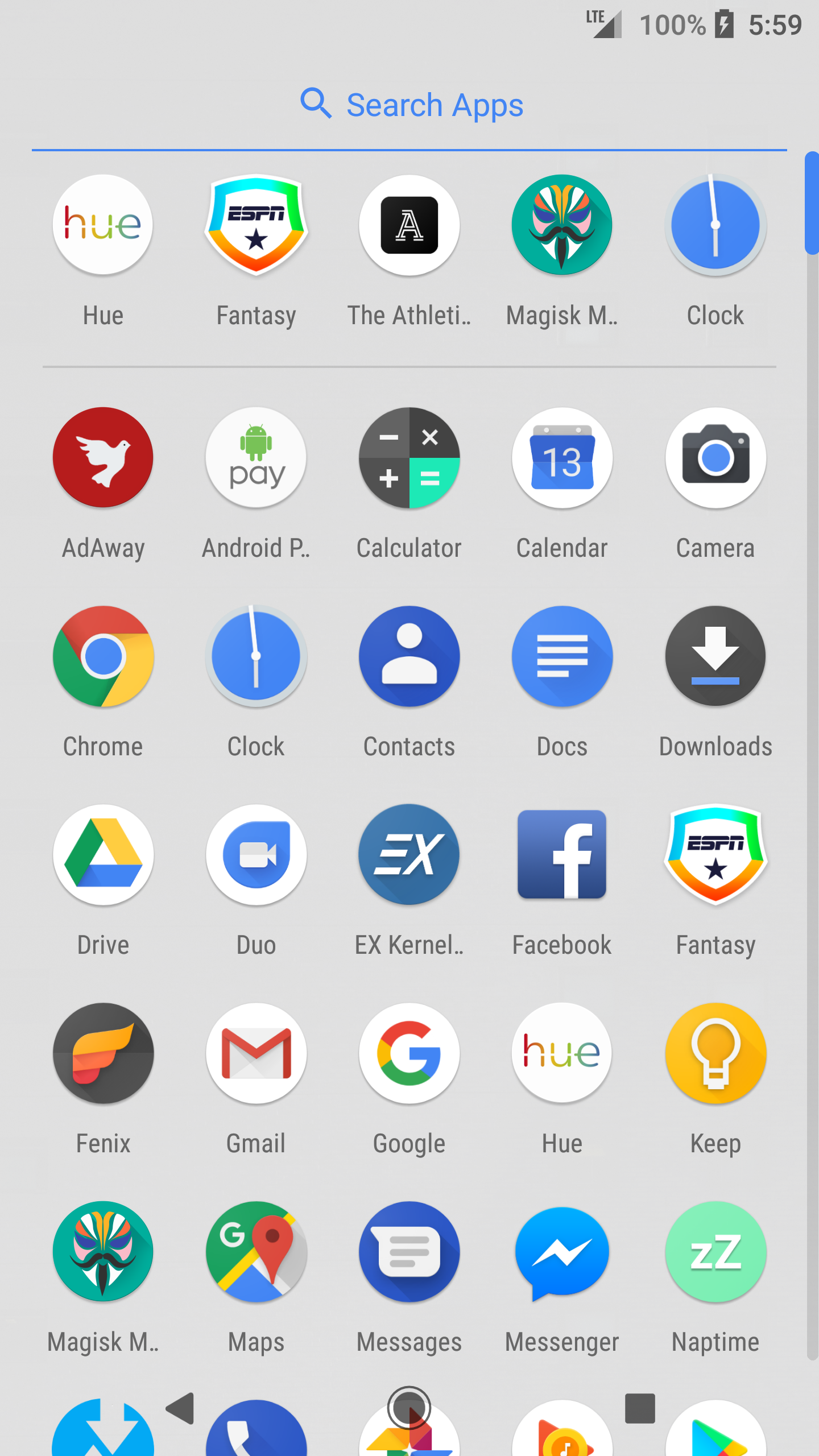
Pixel 2 Launcher app drawerr

Installing the updated launcher brings the new appearance, which includes the At A Glance widget and the search bar at the bottom. The update also brings some new subtle animations, like the app drawer bouncing off the bottom or top when swiping. There is also a slightly different animation when expanding folders. It also includes the animated Clock app icon, which now shows the actual time.
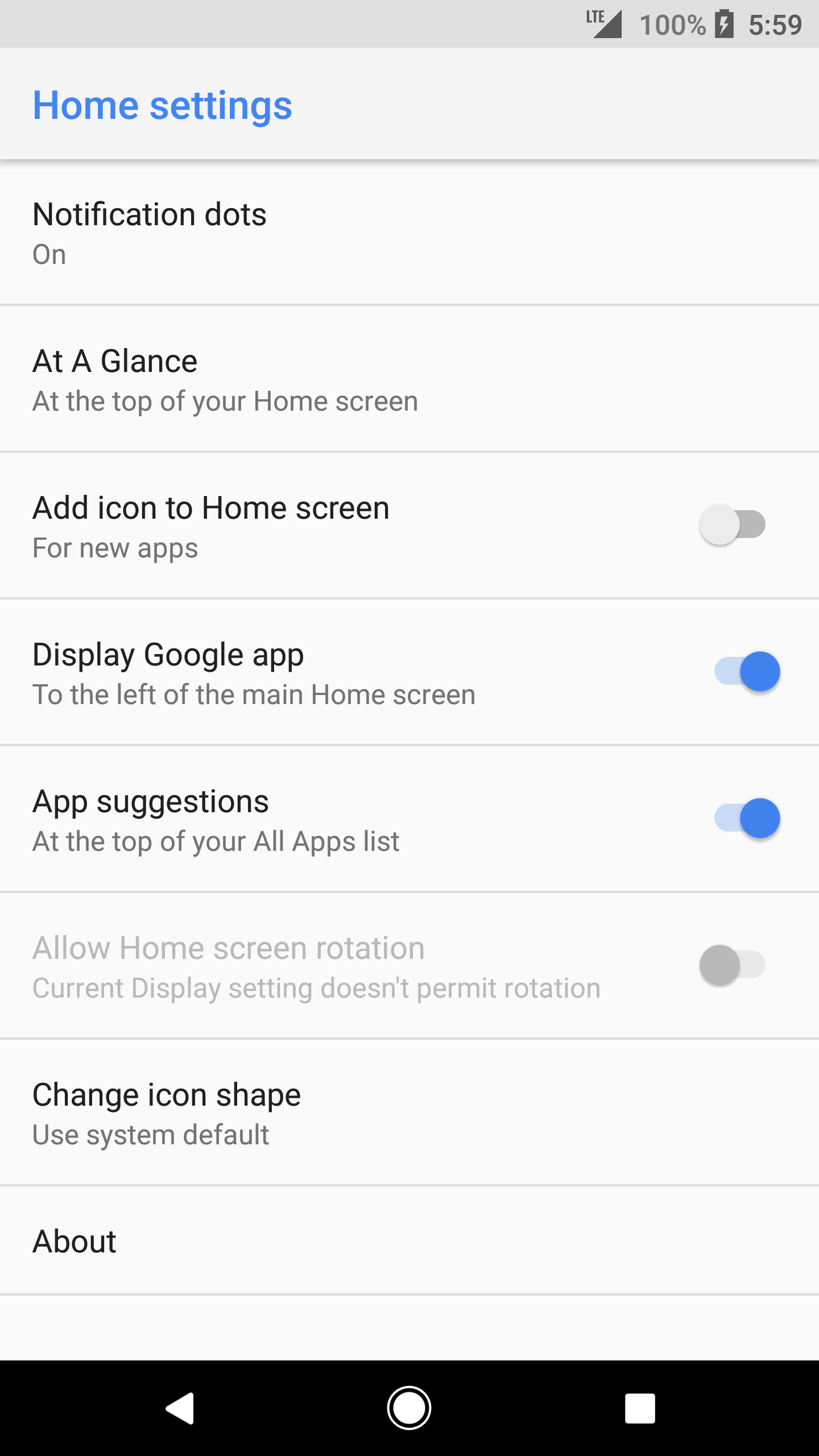
Pixel 2 Launcher options
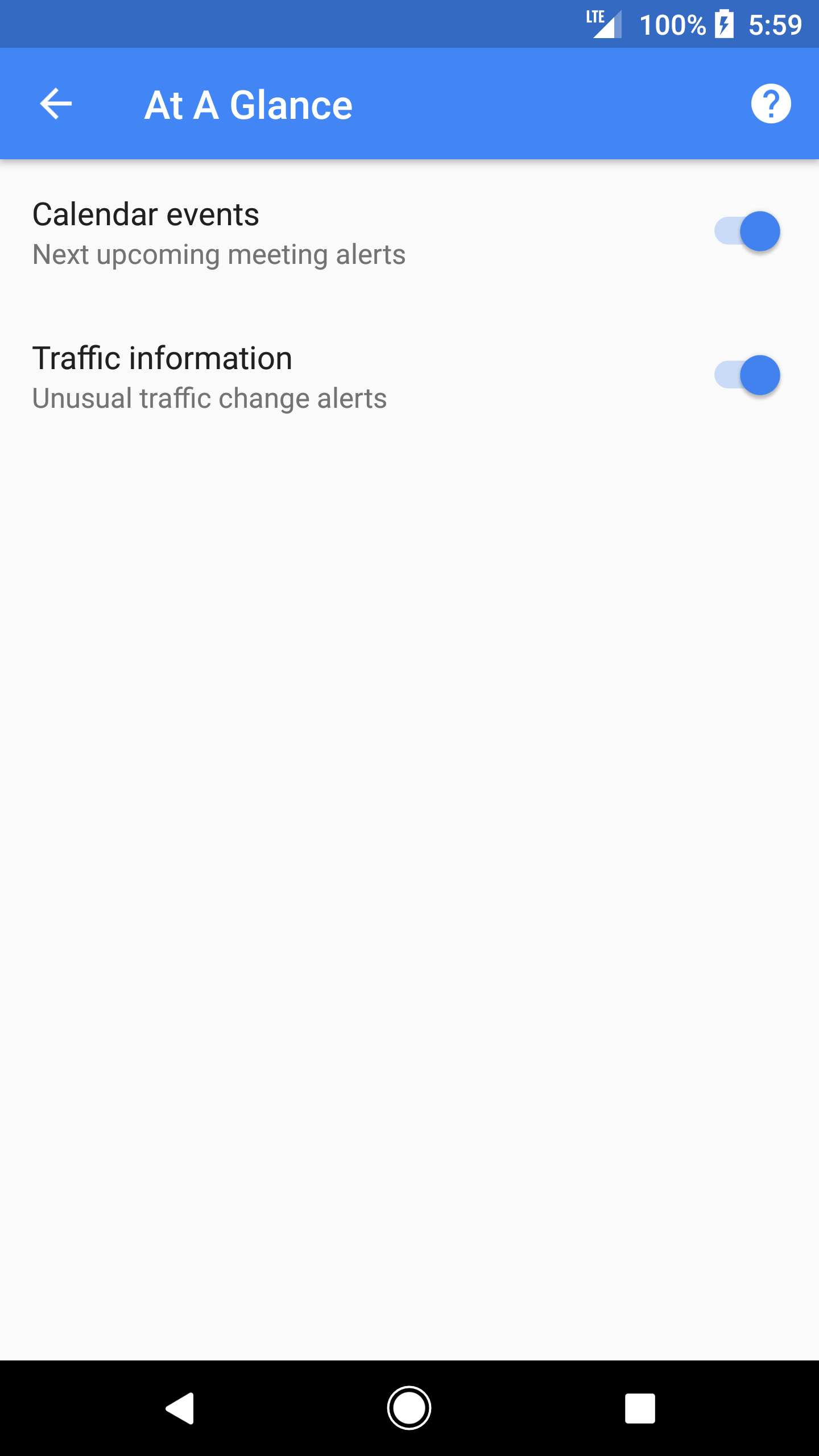
Pixel 2 Launcher At a Glance options

The only new area in the launcher settings is the At A Glace widget. The feature can be toggled on and off. Currently the widget will only display upcoming calendar events and traffic information, but it is expected to expand in the future. The At A Glance widget only resides on the homescreen and does not carry over to other screens. The Google Search bar is persistent throughout every homescreen though.

The new Pixel Launcher will work on any device running Android 5.0 Lollipop or higher, but needs to be a Pixel device to get the Google feed feature working. If you are running another device, you can still install launcher. If you want the Feed to work, you will need to install it as a system app.

Get the Pixel 2 Launcher

Via

Pixel 2 Launcher Pixel Launcher
Share. Facebook Twitter Pinterest LinkedIn Tumblr Email
Matt Kinne

I golf, autocross, and spend way too much time messing with new phones and gadgets. FWNED is where I share smartphone news, leaks, reviews, and whatever else catches my attention in the tech world.

Related Posts

Motorola Edge 70 Max picks up Qi certification ahead of launch

June 29, 2026

Qi Certification Reveals Samsung’s Galaxy Z Fold8, Fold8 Ultra, and Flip8 Magnetic Cases

June 25, 2026

Galaxy Z Fold 8 (Wide) Could Bring Samsung’s Biggest Crease Improvement Yet

June 15, 2026

Google Needs to Revert This Android 17 Always-On Display Change

June 15, 2026
Editors Picks

Can We Go Back to Real Smartphone Upgrades?

June 18, 2026

The Galaxy Watch Ultra convinced me Google needs a Pixel Watch Ultra

June 11, 2026

FWNED Is Back!

June 8, 2026
Related Posts

Motorola Edge 70 Max picks up Qi certification ahead of launch

By Matt Kinne

Qi Certification Reveals Samsung’s Galaxy Z Fold8, Fold8 Ultra, and Flip8 Magnetic Cases

By Matt Kinne

Galaxy Z Fold 8 (Wide) Could Bring Samsung’s Biggest Crease Improvement Yet

By Matt Kinne
Advertisement
FWNED
Facebook X (Twitter)
  • Write For Us
  • About Us
  • Contact
  • Sitemap
  • Privacy Policy
© 2026 FWNED

Type above and press Enter to search. Press Esc to cancel.