



The changes that came along with Android 5.0 Lollipop are massive, so it is hard to cover everything. One of those features that doesn’t get much attention, is Android’s Smart Lock. It makes unlocking your device easier if you have a security method enabled on your device.
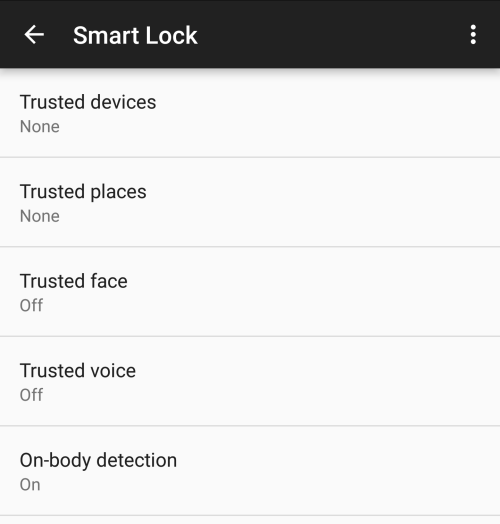
It essentially sets up your device to automatically unlock by the following methods: nearby trusted Bluetooth device, trusted location, trusted NFC tag, the device recognizes your face, and on body detection.
I personally have never had a security measure to unlock my phone, just haven’t ever felt the need; I honestly still feel that way. But since the release of Android Pay, you need to enable a security measure or else it will erase your cards from the device. I understand why this is enabled, it’s for your protection, but I hate entering a password every time I need to unlock my phone.
To top it off, I just received my Nexus 6P, which includes a fingerprint sensor on the back of the device. Seeing as Nexus Imprint has garnered great reviews, I didn’t want it to go to waste. I thought I might as well add security to my phone so I can A: use the fingerprint sensor and B: get to use Android Pay.
Then I remembered that Android 5.0 and up has Smart Lock which includes on-body detection. I never thought about using it beforehand, as I never had a password to unlock my device. No better time than to try it out now, right?
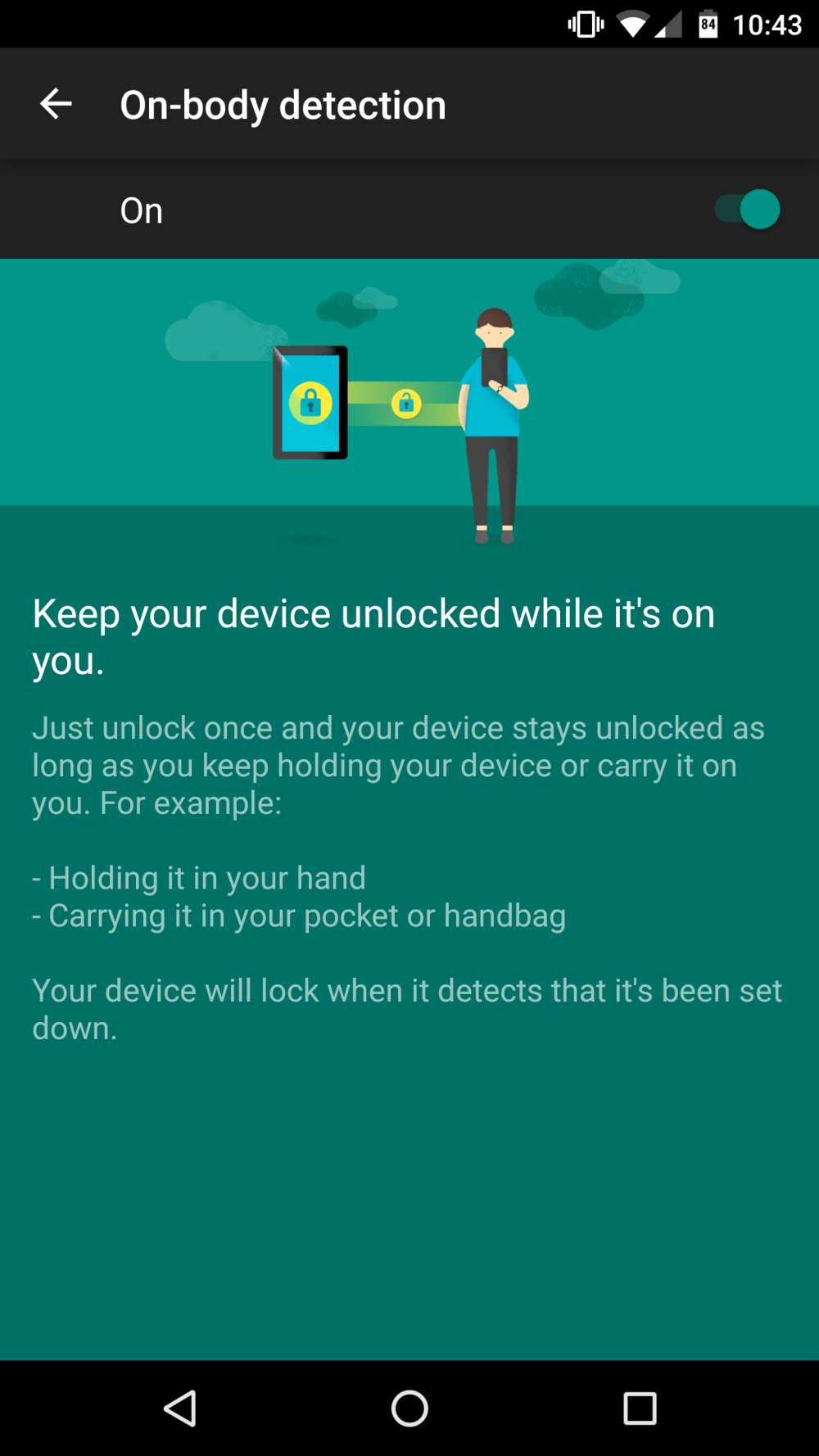
On-body detection essentially keeps the device unlocked, ie. no need for a password to unlock it, when the device senses it is being carried. This is achieved by the device using the accelerometer and keeping track of movements. If the device is static, like laying a on a table, it will lock.
To enable on-body detection follow these steps:
- Open your device’s Settings app.
- Scroll down to Security.
- Touch Smart Lock (not available on all devices).
- You will need to enter a screen lock or create a new one.
- Touch On-body detection, switch it to on.
When you have on-body detection enabled, the device will stay unlocked as long as it senses that it is on your body. Some devices will use the accelerometer to learn the pattern of your walk, so if it senses a change in your normal pattern it may lock. If that is the case, just unlock it again and it will adapt to the new changes. When the device is not on your body, it can take up to a minute to lock. An interesting note about on-body detection is that it takes 10-15 minutes to lock when it senses you are on a vehicle.
I have had great success with using on-body detection on my Nexus 6P, and have been for a few days now. The device does a great job of sensing when the device on you or static, like on a table. I have yet to have an instance of the device locking while it was in my pocket.
Since enabling this feature a couple days after I received my Nexus 6P, I have not noticed an impact on battery life whatsoever. It might be related to the Android Sensor Hub on the 6P coupled with Doze, so if someone has had any other experiences with on-body detection, either positive or negative, please feel free to share them below.
