


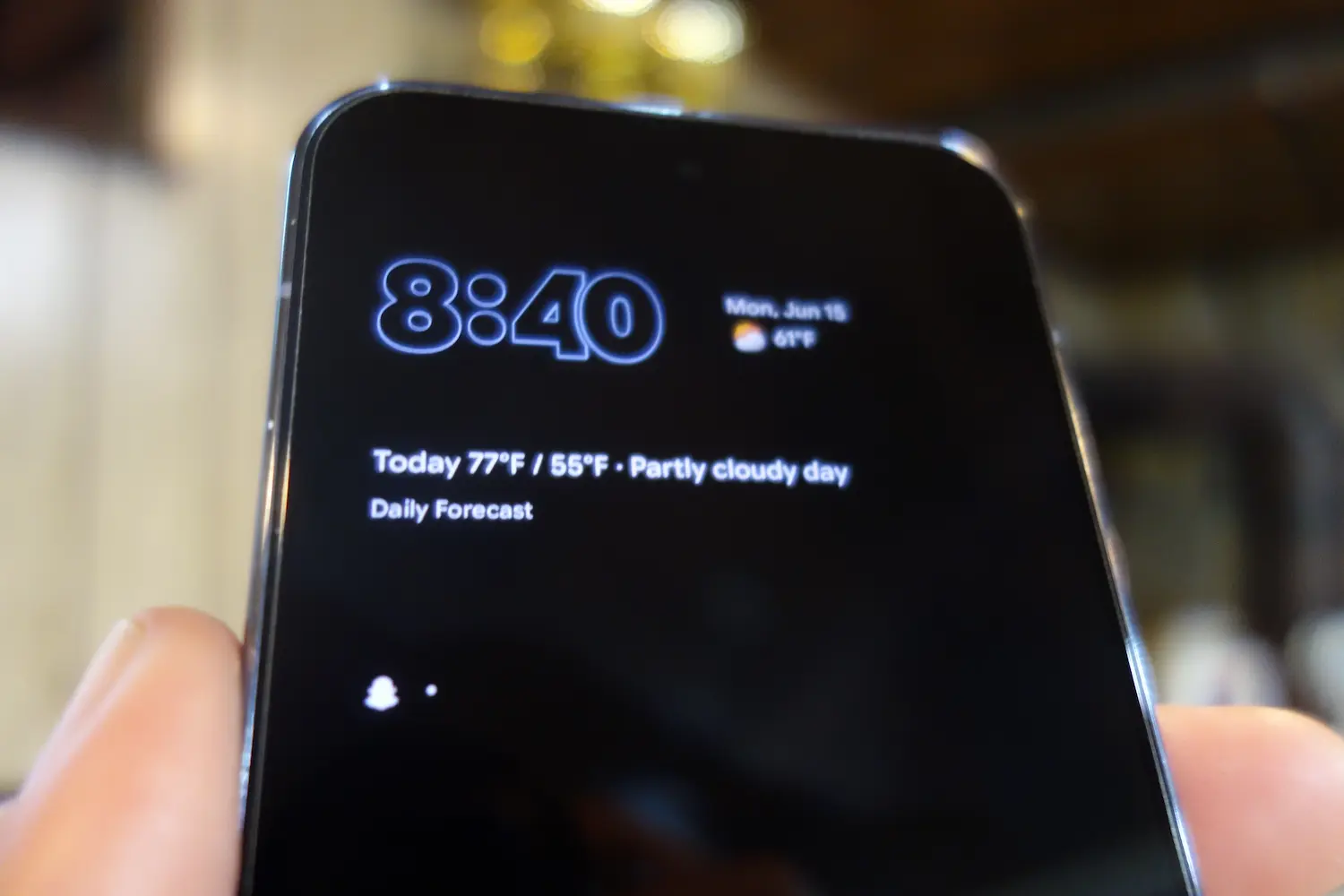
One of my favorite things about Android’s Always-On Display is how much information it can provide without ever touching the phone.
A quick glance is usually enough to tell me whether I have a text message, an email, a missed call, or a handful of app notifications waiting. That’s why a recent change in Android 17 QPR1 Beta has been so frustrating.
I first noticed something was different after installing Android 17 QPR1 Beta 3, the same update that introduced Google’s new system-wide blur effects and additional Material 3 Expressive refinements.
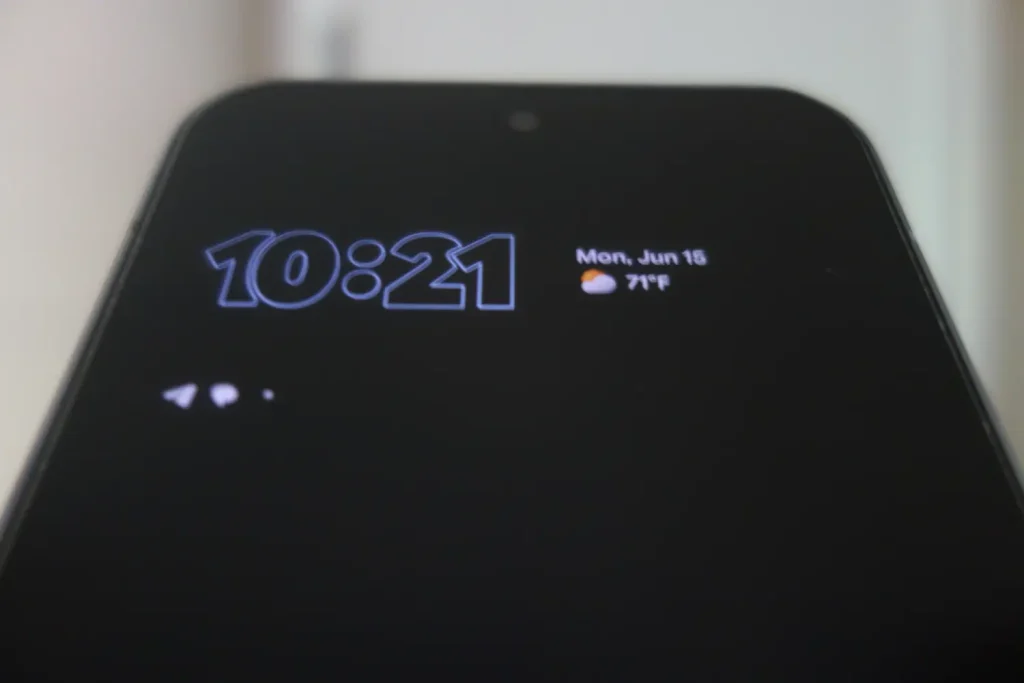
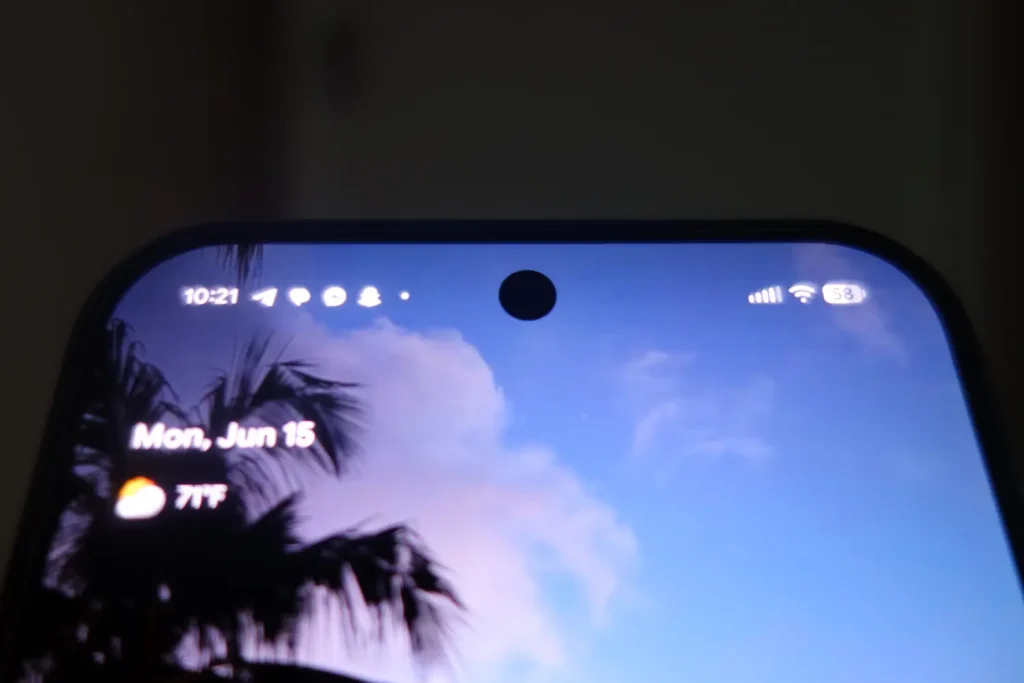
Whenever I had multiple notifications waiting, my Pixel’s Always-On Display would show only a limited number of notification icons before replacing the rest with a small dot. At first, I assumed it was a bug or some obscure setting that had been changed during the update.
I asked a couple of friends with Pixel devices whether they were seeing the same behavior. One friend running the Android 17 QPR1 beta noticed the exact same thing I did. Another friend on the stable release confirmed that his Always-On Display was still showing multiple notification icons normally.
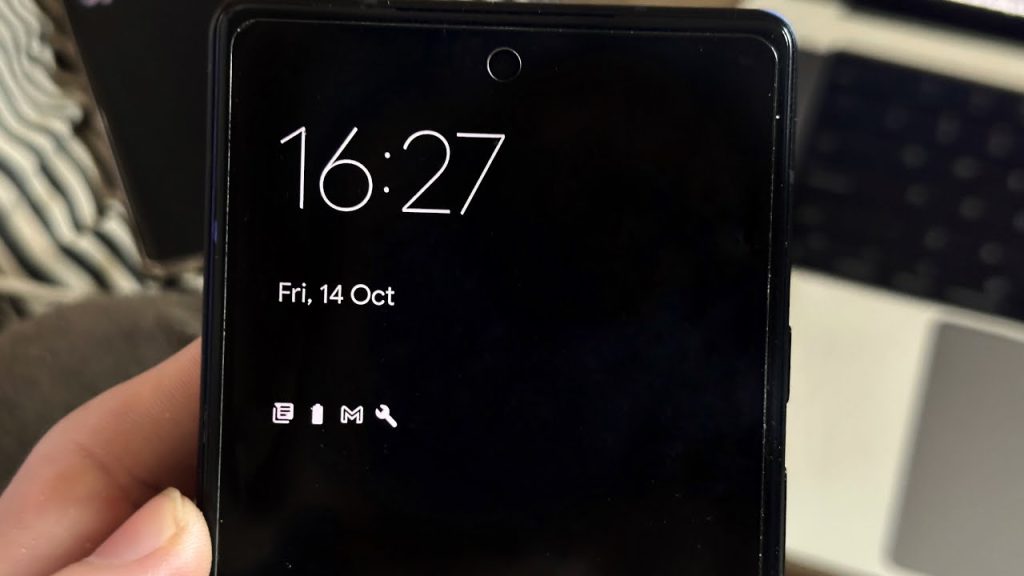
After doing some digging and finding a discussion on Reddit, it became clear that other Android beta users were seeing the same change.
Instead of displaying all notification icons across the Always-On Display, Android now appears to heavily limit the number shown before collapsing additional notifications into a generic dot. In my testing, the Always-On Display typically showed only a single notification icon before truncating the rest. However, we were occasionally able to get two notification icons to appear before additional notifications were hidden behind the dot.
What’s even more frustrating is that I haven’t been able to determine how Android chooses which notification icons to display. In the screenshot above, I had notifications from Facebook Messenger, Gmail, Telegram, and Snapchat, but only some of those icons appeared on the Always-On Display.
The selection doesn’t appear to be based on recency, and Google doesn’t provide any indication as to which notifications are being hidden behind the dot. As a result, the icons that do remain visible can feel somewhat arbitrary, further reducing the usefulness of the feature.
That might sound like a minor design tweak, but I think it fundamentally makes the feature less useful.
The entire purpose of an Always-On Display is glanceability. If I look at my phone from across the room and see icons for Gmail, Google Messages, and Discord, I immediately know what is waiting for me.
If I see a Gmail icon and a dot, I know I have a Gmail notification and… something else.
That’s not better. It’s less information.
What’s even more confusing is that modern smartphones have plenty of room to display several notification icons. Previous Android releases handled this without issue. Google isn’t solving a screen space problem here. If anything, it seems to be removing information that was already being presented effectively.
The change also creates an inconsistent experience. Notification icons remain visible on the lock screen, but the Always-On Display now hides much of that same information behind a generic indicator.
To be fair, this is beta software. Features change frequently, experiments come and go, and there’s always a chance Google adjusts the behavior before Android 17 reaches stable devices.
I hope that’s the case here.
The Always-On Display exists to surface useful information with as little friction as possible. Showing fewer notification icons accomplishes the opposite.
Maybe Google is still experimenting with the design before Android 17 reaches stable devices. If so, I hope this is one of those experiments that doesn’t survive the beta process.
