


Disclosure: 18Birdies reimbursed the cost of this Pro Swing Analysis for the purpose of this review. However, all opinions, testing notes, and critiques remain completely independent and unbiased.
While 18Birdies Premium includes an automated AI Swing Analyzer, the platform also offers a human element: a Pro Swing Analysis tool. For Premium members, it costs $15 per submission ($20 for non-premium users).
The premise is simple: upload your swing, tell the app what your ball flight looks like, and a real golf coach will send you a personalized video breakdown.
I put the feature to the test using the exact same swing clips I previously fed into the automated AI analyzer to see how a human coach compares to the algorithm. Here is how the process went, where it shined, and where the workflow falls short.
The Setup and Submission Process
Submitting your swing is incredibly straightforward. The app requires two separate videos:
- Down the Line: Shot from directly behind you, looking down the target line.
- Face-On: Shot from straight ahead, facing the camera.
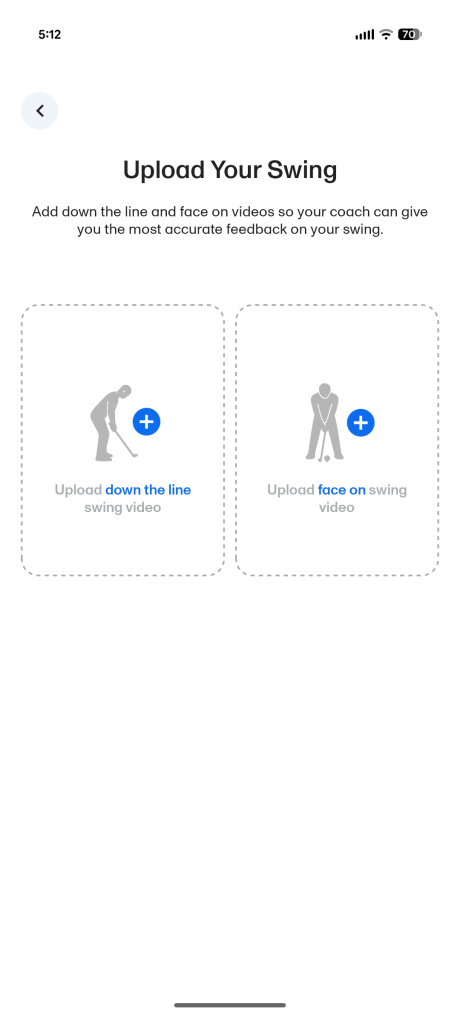
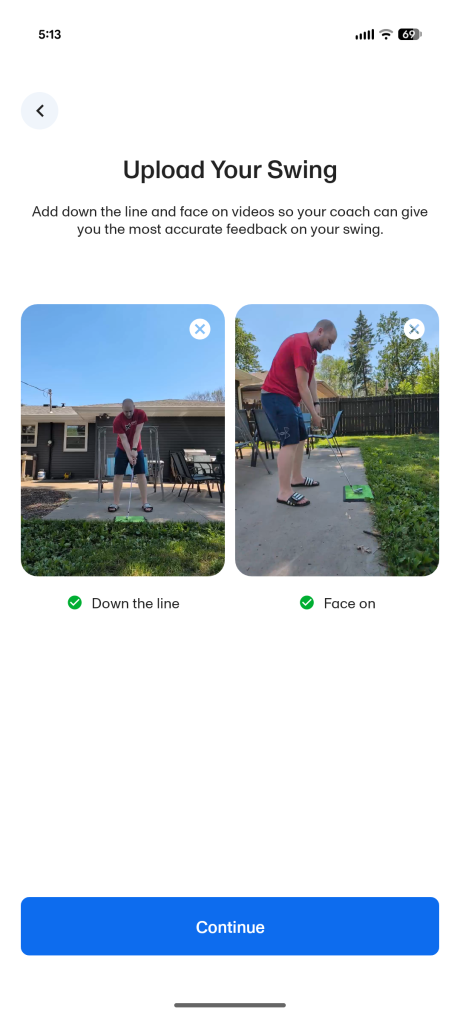
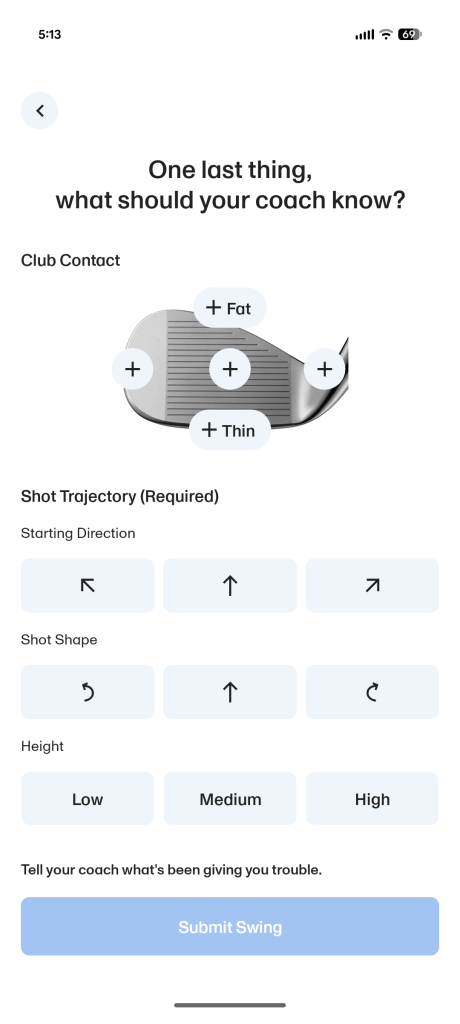
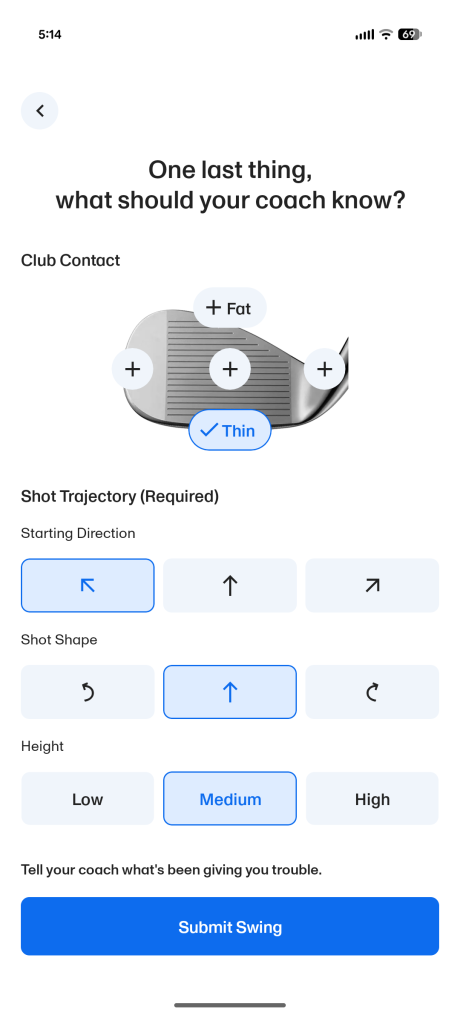
Once the clips are uploaded and verified, the app moves you to a “One last thing, what should your coach know?” menu. This screen is broken down into two core parts:
- Club Contact: A visual diagram of an iron face where you select your typical strike miss (Fat, Thin, Toe, Heel, or Centered).
- Shot Trajectory (Required): A grid where you select your starting direction (Left, Straight, Right), shot shape (Hook/Draw, Straight, Slice/Fade), and overall height (Low, Medium, High).
- Open Text Field: A dedicated box at the bottom of the screen prompting you to “Tell your coach what’s been giving you trouble.” This is a great addition to the workflow, allowing you to fill your coach in on specific swing thoughts, equipment updates, or exact feels you are actively practicing so they have real-world context before opening your video.
Author’s Note (6/10/2026): In the original version of this review, I missed the optional text field that allows golfers to provide additional context for their swing analysis. The review has been updated to reflect this feature.
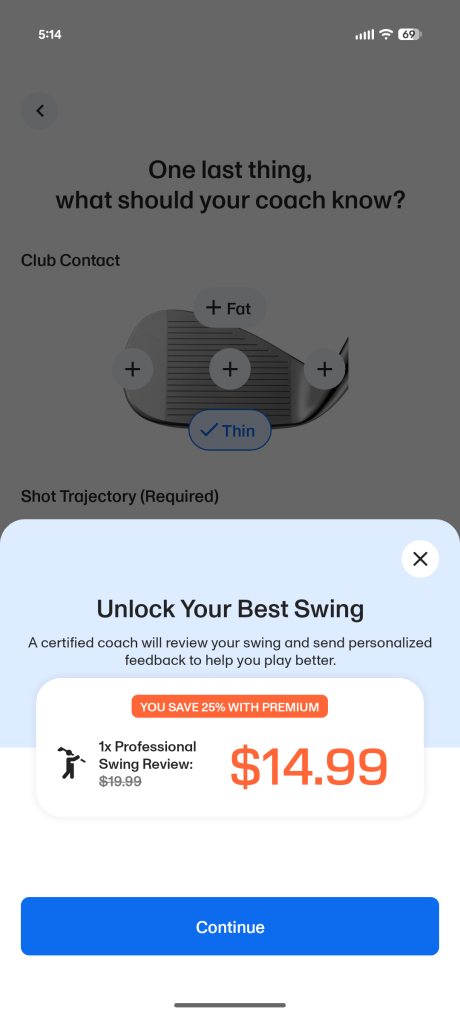
After clicking through the checkout menu to confirm the premium discount price, the videos hit the upload queue.
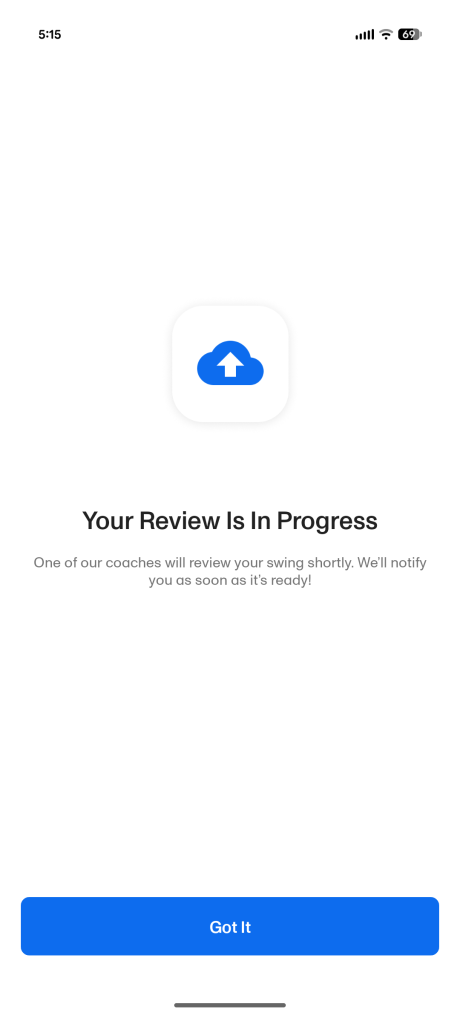
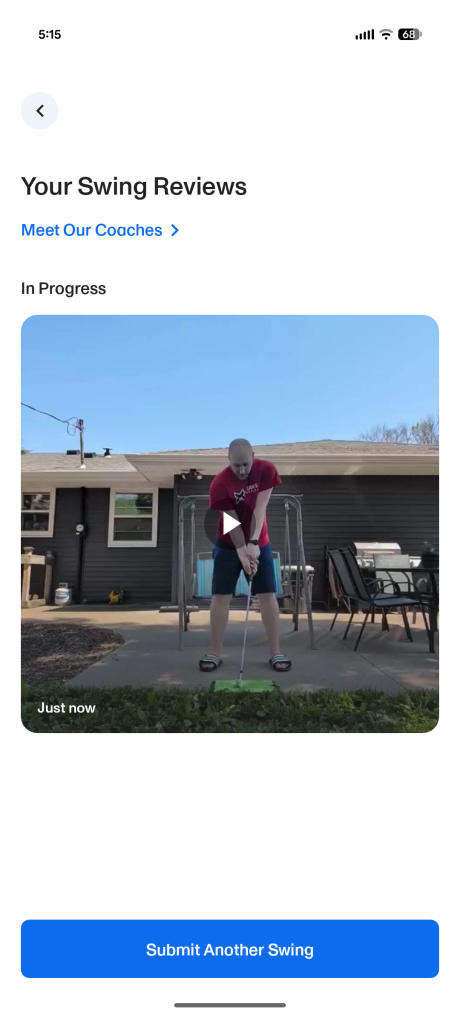
Once you submit, the waiting game begins. I uploaded my videos at 5:15 PM Central on a Monday and fully expected to wait until the next business day. To my surprise, I received a notification that my review was fully completed at 11:11 PM that exact same night. A six-hour turnaround time on a weeknight is incredibly impressive.
The Pros: Legitimate, Validating Feedback
The actual review comes back as a screencast video (mine clocked in right around 4 minutes). The coach was incredibly well-spoken and clearly knew his stuff.
Using the on-screen drawing tools, he drew lines over my swing clips to visually illustrate exactly what I was doing right and where my mechanics were breaking down.
The feedback was genuinely helpful. He identified exactly why I was thinning my shots lately, gave me a specific drill to practice to correct the issue, and validated the exact mechanical thoughts I had been wrestling with on the course just the day before. Hearing a professional confirm my own instincts gave me a massive confidence boost heading into my next practice session.
The Cons: Technical Glitches and a Confusing UI Contradiction
While the coaching logic was top-tier, the execution and the platform architecture have a few noticeable flaws.
1. Audio Quality Issues
I don’t think the coach watched his own video back before hitting submit. At multiple points during my 4-minute review, he accidentally covered his phone microphone. The audio cut out completely during these segments, meaning I missed out on chunks of the verbal feedback he was trying to give me.
2. File Size vs. Video Quality
The final video file delivered through the app is heavily unoptimized. The review comes back as a massive 144 MB file, yet the visual quality is surprisingly low-res, fuzzy, and boxed into a window rather than filling the player screen. If the delivered file was a crisp, full-screen 1080p video, a 144 MB footprint would make perfect sense. Instead, you are left with a bloated file size for a subpar, compressed visual output. For a paid service, the final export needs to deliver higher visual clarity at a much more efficient file size.
3. No Option for Follow-Up Questions
The biggest limitation of the feature is the lack of two-way communication. Because the coach didn’t state their name in the video, the interaction feels a bit anonymous, and the app doesn’t provide a way to message them back once the video is delivered. It would be nice if the app said who your assigned coach was and their profile was tied to the swing analysis.
If a specific piece of advice is confusing, or you just want a quick clarification on the recommended drill, there is no way to ask. It’s a strict one-way delivery, which is a bit of a bummer compared to the instant back-and-forth feedback you get during a live lesson.
Update: 6/10/2026: To 18Birdies’ credit, the company told me after publication that it is exploring ways to allow golfers to ask follow-up questions while still respecting coaches’ time commitments.
The Verdict: Good Convenience, Tough Math
At $15 for Premium members, the 18Birdies Pro Swing Analysis is an excellent value if you are short on time, need a quick sanity check on your mechanics, or don’t have easy access to local pros. The speed of the feedback is phenomenal.
However, if you are a non-premium member paying the full $20 sticker price, the value proposition gets a little thin. A 4-minute, one-way video with muffled audio and zero chance for follow-up questions is a tough pill to swallow when you look at traditional lesson math. For comparison, a local club down the road from me offers a comprehensive, 40-minute, 1-on-1 private lesson with a coach for $85.
If you just need a fast, convenient check-up on a specific fault, 18Birdies delivers a solid product. But if the developers want to elevate this feature, they should implement a basic quality-check system for coach audio and continue improving the overall presentation quality of the video responses.
